
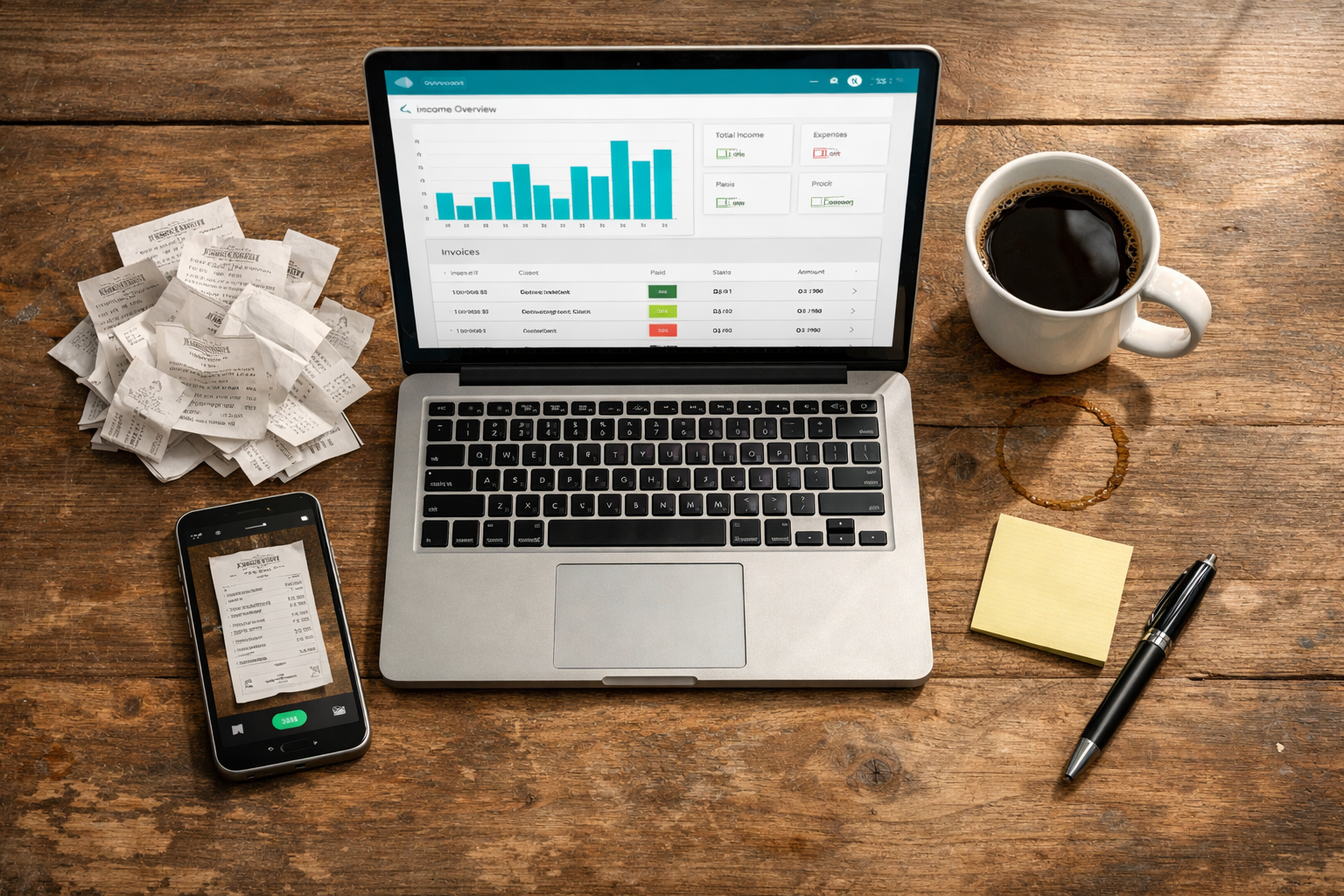
Over the course of my career, I’ve used four different accounting software programs. Three of those switches happened in just the last four years, which tells you something — either I have terrible luck, or most accounting software oversells what it can actually do and you don’t find out until you’re knee-deep in it.
Here’s the thing nobody tells you when you’re starting a business: You don’t need “the best” accounting software. You need software that does five specific jobs well. Everything else — the AI insights, the fancy dashboards, the integrations you’ll never touch — is noise you can ignore.
Our business primarily runs on QuickBooks Online, and we support Xero for clients who prefer it or already have it set up. Wave is a bit different — I used it at a previous employer, not here — and honestly, it’s a solid fit if you’re a small startup with minimal transactions and a tight budget. It’s just not built for the volume or complexity most growing businesses eventually hit. Each of these three taught me something the others didn’t, usually the hard way. Let me save you the trouble of learning it the slow way too.
Bank feeds: the thing that decides if you'll actually use this software
For the first year of my career, I was manually entering every transaction from a spreadsheet I downloaded from the bank once a week. Once a week, if I remembered. Sometimes it was once a month, and then I’d sit there at 1 AM trying to remember what a $47 charge from “SQ *DELI 4471” actually was.
Bank feeds fix this by connecting directly to your bank and credit card accounts so transactions show up automatically, usually within a day. You’re not typing anything in. You’re just looking at what already happened and clicking “confirm” or sorting it into a category.
The catch: not every bank feed is reliable. I had one software that would randomly disconnect from my business checking account every few weeks, and I wouldn’t notice until three weeks of transactions were missing. Wave was actually where this hit me hardest. The feed would silently drop, and I’d only catch it because the balance looked wrong. It’s forgivable for a startup with a handful of transactions a month, but it’s the kind of thing that would sink a busier business fast. If you’re testing software, connect your actual bank on day one and watch it for two weeks before you commit to anything. That’s the real test, not the demo they show you in the sales call.
Invoicing that doesn't make your clients ghost you
My first invoicing setup required me to build a PDF in a separate program, email it manually, then track in a spreadsheet who paid and who didn’t. I once sent the same invoice to a client twice by accident. Awkward doesn’t cover it.
Good invoicing in your accounting software means: you create the invoice, it emails itself, the client can pay by card or bank transfer right from the email, and the software marks it paid automatically when the money lands. No spreadsheet. No “did you get my invoice?” texts at 9 PM.
What actually matters here isn’t how pretty the invoice template looks; it’s whether payments reconcile automatically. Xero’s invoicing was genuinely clean and easy on the eyes, but I still had to manually match a payment to an invoice more often than I expected, which saved me zero time in practice. I didn’t figure this out until a client paid me and my software created a mystery deposit that took me forty minutes to trace back to the right invoice. Ask specifically about auto-matching before you sign up for anything.
Reporting you'll actually open
I want to be honest about something: in my last job, for the first two years, I did not look at a single report my accounting software generated. Not one. I opened the software to send invoices and check my bank balance, and that was it.
That changed the year I had to explain to the owner why we weren’t as profitable as we thought, and I realized I had zero idea how to pull a profit-and-loss statement that made sense. I clicked around for twenty minutes before giving up and calling our accountant, who talked me through it over the phone like I was assembling furniture without instructions.
The reports that matter for a small business are boring and specific: profit and loss (are you actually making money), a cash flow statement (do you have enough cash to cover what’s coming), and an aging report (who owes you money and how long they’ve been sitting on it). QuickBooks Online is where I finally got comfortable with these, mostly because our accountant walked me through the same three reports enough times that it stuck. If your software buries these three reports behind five menu clicks, or worse, requires an upgrade to a pricier plan to unlock them, that’s a real problem, not a minor annoyance. You will need these reports at the worst possible time, like during a loan application, a tax question, or a “why does this number look weird” moment, and you don’t want to be learning the interface then.
Receipt capture, or: how I stopped having a shoebox full of paper
 I genuinely had a shoebox. An actual cardboard shoebox, full of gas station receipts and coffee shop receipts, that I would dump on my kitchen table once a quarter and try to sort by date using the tiny, faded print.
Receipt capture means you take a photo of a receipt with your phone, and the software reads it, pulls out the amount and the vendor, and attaches it to the right transaction. Some of them are genuinely good at this now. Some of them still think a Chipotle receipt is from “Chipotle Mexican Gr” and file it as an unknown vendor every single time, which is its own small annoyance you learn to live with.
The real value isn’t convenience, though that’s nice. It’s that come tax time, or if you ever get audited, you have the actual receipt attached to the actual transaction instead of a shoebox full of thermal paper that’s already faded to blank. I learned this from a friend who got audited and spent a weekend trying to read receipts that had turned into ghostly gray rectangles. Faded thermal paper is not a filing system.
Accountant access, the feature nobody thinks about until it's a problem
This one bit me the hardest. My first software didn’t have a clean way to give my accountant access. I was exporting files and emailing them, which meant every tax season involved a two-week email chain of “can you resend that” and “I think this file is from the wrong month.”
What you actually want is the ability to invite your accountant (or bookkeeper) as a user with their own login, so they can see your books in real time without you exporting anything. This is honestly one of the reasons we lean on QuickBooks Online for the business. Our accountant already had a workflow built around it, and getting her set up as a user took about five minutes instead of the usual back-and-forth. Xero handles this well too, which is part of why we’re comfortable supporting it for clients who are already using it. No email chains. No version confusion about which file is the “real” one.
This matters more than people think because it changes the relationship. Instead of your accountant reconstructing three months of activity every quarter, they can spot a weird transaction the week it happens, not four months later when it’s harder to remember what it even was.
The honest conclusion
None of this is complicated once you’ve been through it. It’s just not obvious beforehand because every accounting software company’s marketing page looks the same — clean screenshots, a smiling person pointing at a laptop, the word “seamless” used way too many times. The actual differences show up in the daily use, in the small annoying moments, not in the sales pitch. Four programs and three switches later, that’s the one thing I’d tell my past self on day one.
If I were starting over, I’d ignore the feature list entirely and just ask: does this connect to my real bank without dropping the connection, can my accountant get in without me doing extra work, and can I find my profit and loss statement in under thirty seconds? Everything else is a nice-to-have.
Still unsure?
Need help choosing or setting up your accounting tools? Contact us for support.